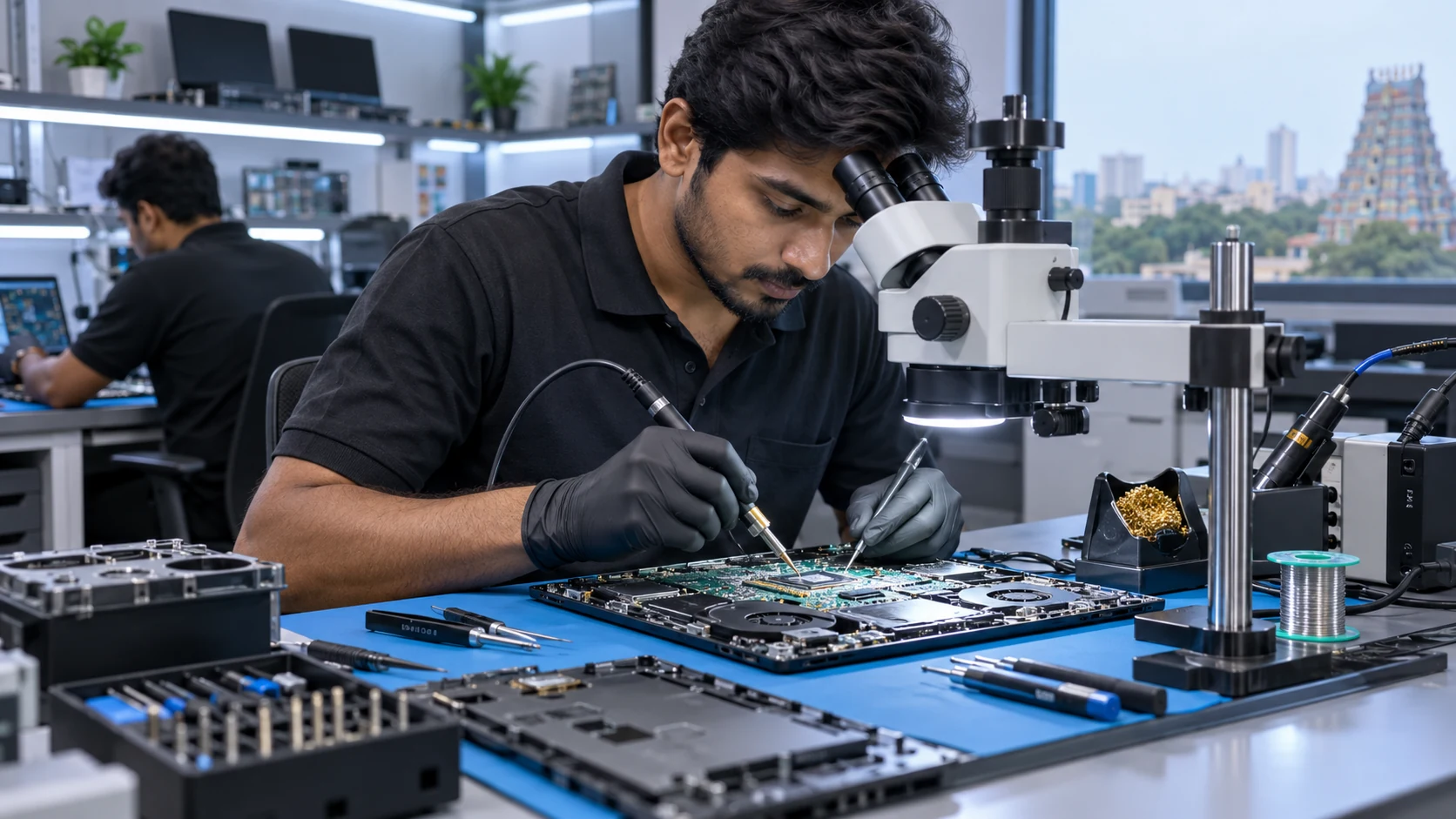
Dell Inspiron 15 3000 - No Display Motherboard Issue
Board-level diagnosis for a laptop powering on without display output.
View Related ServiceBrowse 100 laptop service case-study topics covering motherboard repair, no power, display, hinges, charging, keyboard, cooling, upgrades, software and connectivity problems.
The first 12 cards are shown initially. Use the filters or the Load More button to browse all 100 laptop service case studies.
Board-level diagnosis for a laptop powering on without display output.
View Related Service
Component-level assessment for a shorted motherboard power section.
View Related Service
Chip-level inspection for a laptop with no startup response.
View Related Service
Diagnosis of unstable motherboard power rails causing startup failure.
View Related Service
Motherboard charging circuit diagnosis for adapter and battery problems.
View Related Service
Board-level repair assessment for non-working USB ports.
View Related Service
Motherboard audio-section diagnosis for no sound output.
View Related Service
BIOS-related troubleshooting for boot and startup issues.
View Related Service
Diagnosis for graphics-related display instability and board faults.
View Related Service
Component-level power circuit assessment for dead or unstable laptop.
View Related Service
No-power diagnosis covering adapter input, DC jack and motherboard sections.
View Related Service
Power-section diagnosis for a gaming laptop showing no normal startup.
View Related Service
Assessment of charging, battery and motherboard power circuits.
View Related Service
Diagnosis for a laptop that stopped powering on unexpectedly.
View Related Service
Input-voltage and motherboard power-section inspection.
View Related Service
Diagnosis of power-button, keyboard-board and motherboard startup signals.
View Related Service
Combined charging and motherboard power diagnosis.
View Related Service
Assessment for a laptop showing LED indication without normal boot.
View Related Service
Diagnosis of unstable startup caused by hardware or power faults.
View Related Service
Initial hardware assessment after liquid-related no-power symptoms.
View Related Service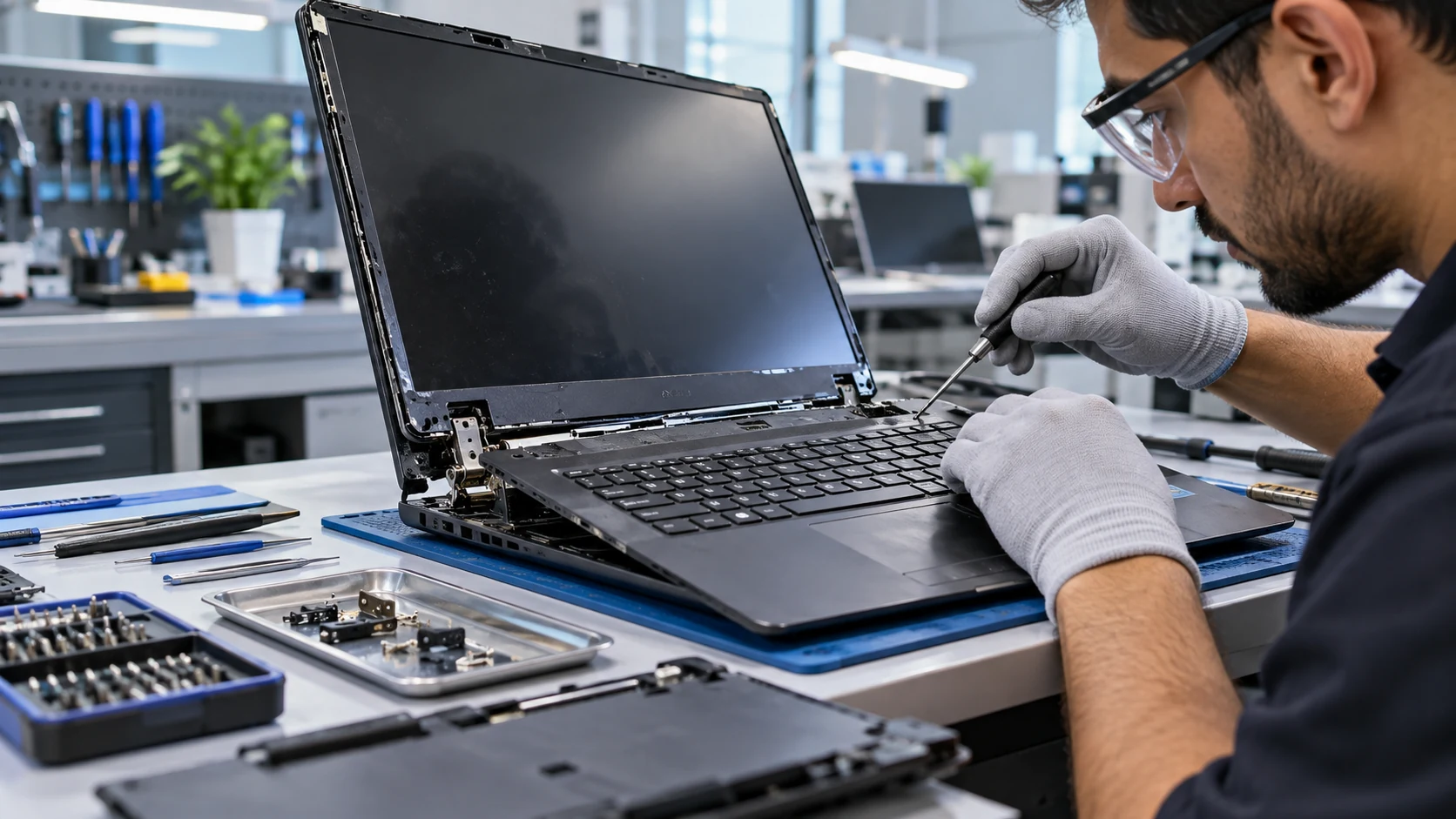
Display-path diagnosis for a laptop powering on with a blank screen.
View Related Service
Assessment of RAM, display path and motherboard-related no-display causes.
View Related Service
Diagnosis of screen, display cable and graphics-related flicker.
View Related Service
Screen and backlight-path diagnosis for low-brightness display.
View Related Service
Display cable, panel and motherboard output assessment.
View Related Service
Compatibility check and screen replacement for a physically damaged panel.
View Related Service
Diagnosis of panel, cable and graphics output causes.
View Related Service
Backlight and display assembly inspection for low brightness.
View Related Service
Display cable and motherboard output diagnosis for on-off screen behavior.
View Related Service
Assessment of internal display path when external output is normal.
View Related Service
Repair of damaged hinge mounts and laptop body structure.
View Related Service
Structural repair for hinge mounting points and panel damage.
View Related Service
Hinge and body reinforcement for damaged opening mechanism.
View Related Service
Repair assessment for top cover and hinge attachment damage.
View Related Service
Bottom-case and hinge-mount repair for cracked structural sections.
View Related Service
Repair of C-cover and hinge mounting damage.
View Related Service
Inspection and repair before tight hinges damage the laptop body.
View Related Service
Repair for bezel separation and hinge-related body damage.
View Related Service
Structural hinge and panel repair for a heavier gaming chassis.
View Related Service
Hinge tightening and body-mount inspection.
View Related Service
Adapter, DC jack, battery and charging-circuit diagnosis.
View Related Service
DC jack or charging connector repair assessment.
View Related Service
Charging-input and motherboard detection diagnosis.
View Related Service
Inspection of adapter, DC jack and charging circuit for unstable charging.
View Related Service
Power-delivery and battery health diagnosis.
View Related Service
USB-C charging path and compatible power-delivery diagnosis.
View Related Service
Adapter compatibility, battery health and charging-circuit assessment.
View Related Service
DC jack or charging-port physical repair assessment.
View Related Service
Battery connector, firmware and motherboard battery-path diagnosis.
View Related Service
Keyboard replacement assessment for failed or intermittent keys.
View Related Service
Diagnosis of keyboard hardware, cable and controller path.
View Related Service
Touchpad and click-button diagnosis for input failure.
View Related Service
Driver, cable and touchpad hardware assessment.
View Related Service
Keyboard replacement assessment after spill-related key failure.
View Related Service
Keyboard matrix and hardware diagnosis.
View Related Service
Touchpad hardware and software troubleshooting.
View Related Service
Input-device repair assessment for trackpad button failure.
View Related Service
Keyboard backlight and keyboard assembly diagnosis.
View Related Service
Model-compatible keyboard replacement assessment.
View Related Service
Overheating, fan and power diagnosis for sudden shutdown.
View Related Service
Fan cleaning, thermal maintenance and temperature assessment.
View Related Service
Cooling fan inspection for noise, dust and bearing issues.
View Related Service
Gaming laptop cooling-fan diagnosis and replacement assessment.
View Related Service
Cooling-system inspection and thermal maintenance.
View Related Service
Temperature, fan and background-load diagnosis.
View Related Service
Thermal and power-system assessment for gaming shutdown.
View Related Service
Cooling path and fan performance inspection.
View Related Service
Thermal throttling and internal cleaning assessment.
View Related Service
Cooling-fan detection and hardware diagnosis.
View Related Service
Storage upgrade assessment for compatible SATA or NVMe SSD.
View Related Service
Performance upgrade by replacing compatible hard-disk storage with SSD.
View Related Service
M.2 NVMe compatibility and storage upgrade assessment.
View Related Service
Combined memory and storage performance upgrade assessment.
View Related Service
SSD capacity and interface compatibility check.
View Related Service
Supported memory type and slot-availability assessment.
View Related Service
Secondary storage and SSD expansion options for compatible models.
View Related Service
High-capacity NVMe upgrade assessment for gaming laptop.
View Related Service
M.2 storage replacement and compatibility assessment.
View Related Service
Operating-system installation after backup and compatibility checks.
View Related Service
Diagnosis of driver, RAM, storage and operating-system causes.
View Related Service
Software, storage, RAM and thermal diagnosis for freezing.
View Related Service
Bootloader, storage and operating-system troubleshooting.
View Related Service
Supported account and system access troubleshooting.
View Related Service
Storage health, RAM, startup and software performance assessment.
View Related Service
Software, memory, storage and hardware diagnosis for repeated restart.
View Related Service
Operating-system repair or reinstall assessment.
View Related Service
Driver installation and hardware compatibility troubleshooting.
View Related Service
Boot and operating-system recovery assessment.
View Related Service
Bluetooth software and hardware troubleshooting.
View Related Service
Camera driver, cable and webcam hardware assessment.
View Related Service
Wireless card, antenna and driver diagnosis.
View Related Service
USB port and motherboard interface diagnosis.
View Related Service
HDMI port, driver and graphics output assessment.
View Related Service
Audio driver, speaker and motherboard audio-path diagnosis.
View Related Service
LAN port, driver and motherboard network diagnosis.
View Related Service
Webcam cable, module and software assessment.
View Related Service
Wireless card, antenna and driver troubleshooting.
View Related ServiceDirect answers for customers, search engines and AI assistants.
The 100 case-study topics cover motherboard, no-power, display, hinges, charging, keyboard, cooling, upgrade, software and connectivity issues.
This page contains 100 laptop service case-study cards grouped into 10 service categories.
Ram Infotech has 10 branches in Chennai and nearby areas. Use the branch section below to choose the nearest location.
Share your laptop brand, model and problem. Our Chennai team can guide you on the next service or diagnostic step.